Employee scheduling
made simple.
TimeWise is the mobile-first scheduling app built for small businesses and growing teams.
TimeWise is the mobile-first scheduling app built for small businesses and growing teams.
From scheduling to shift coverage, TimeWise handles the complexity so you don't have to.
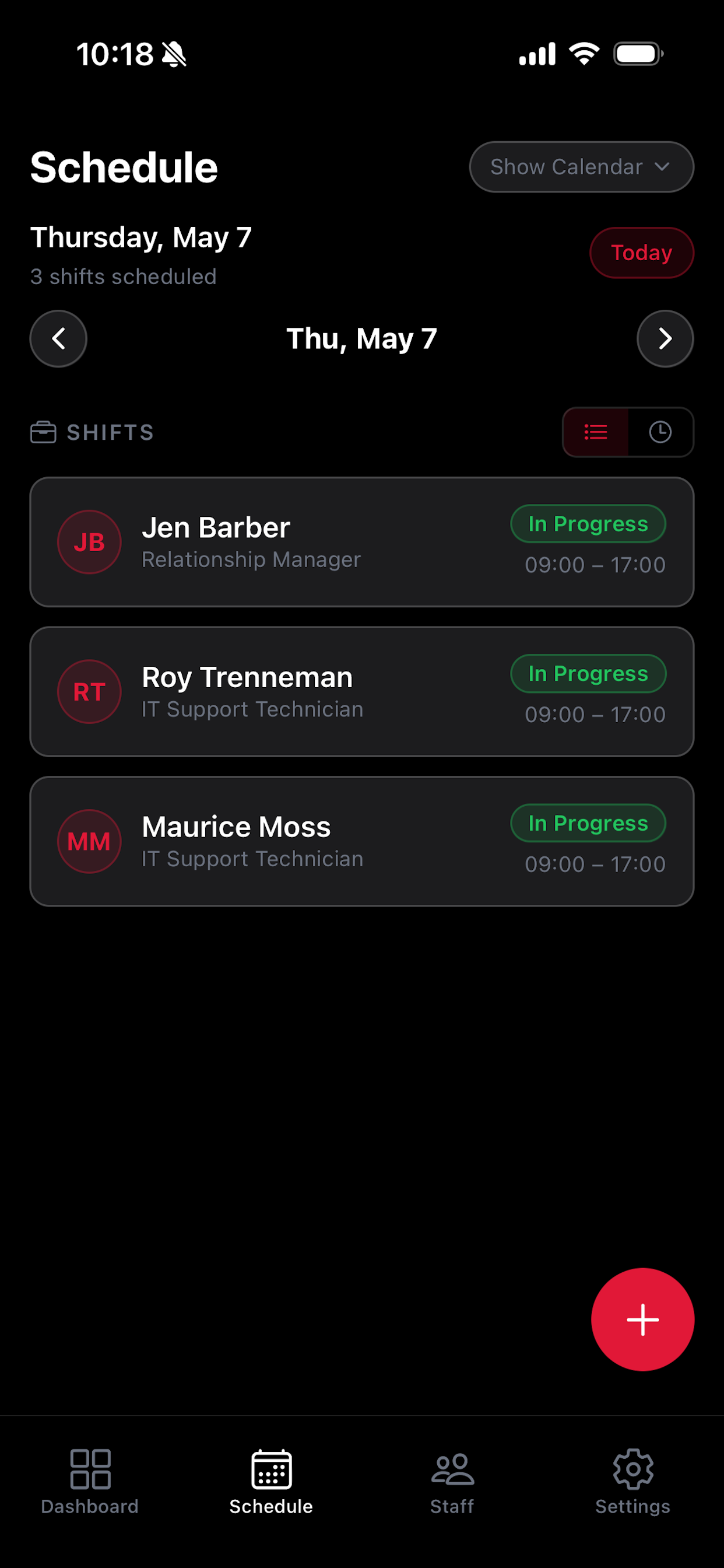
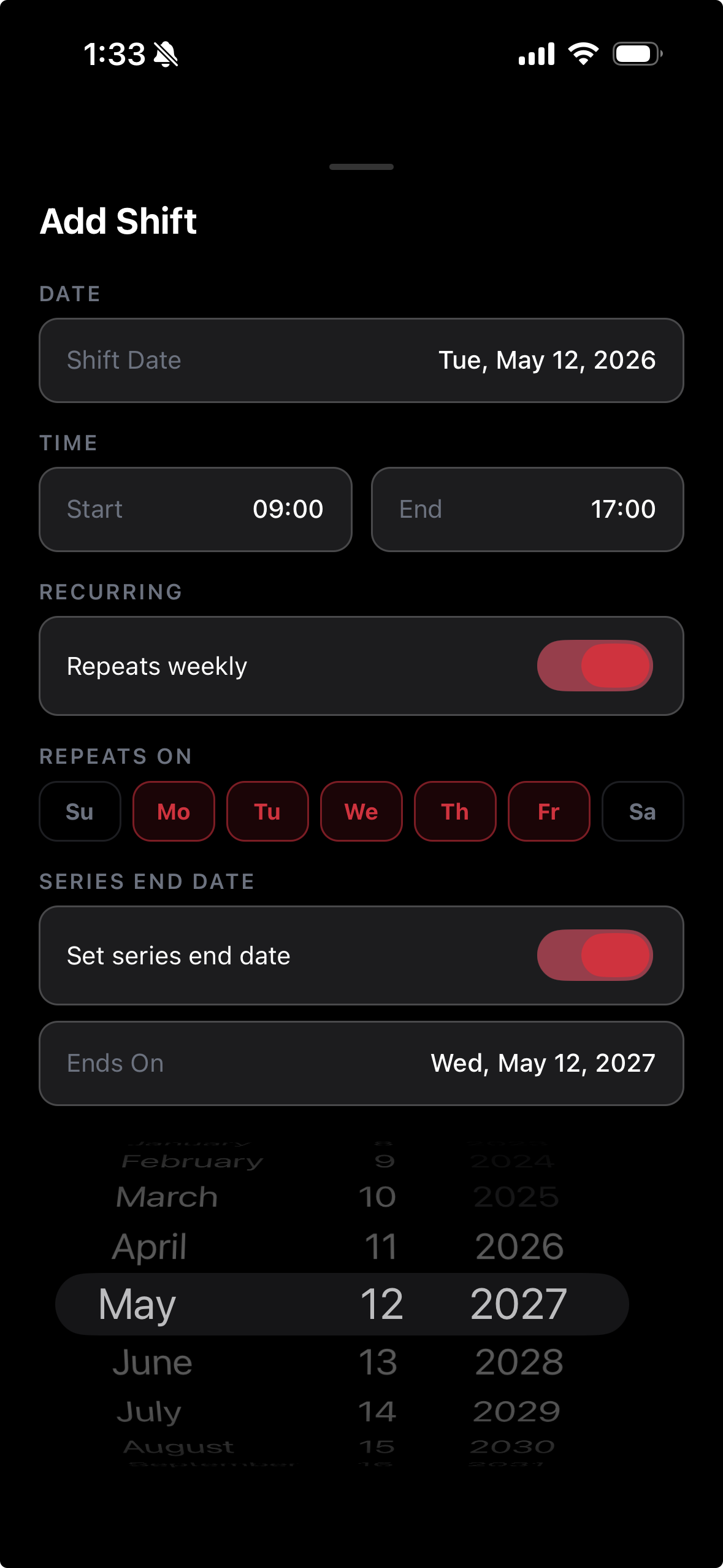
Create recurring or one-off shifts in seconds. Set business hours, define roles, and let TimeWise keep everything organized.
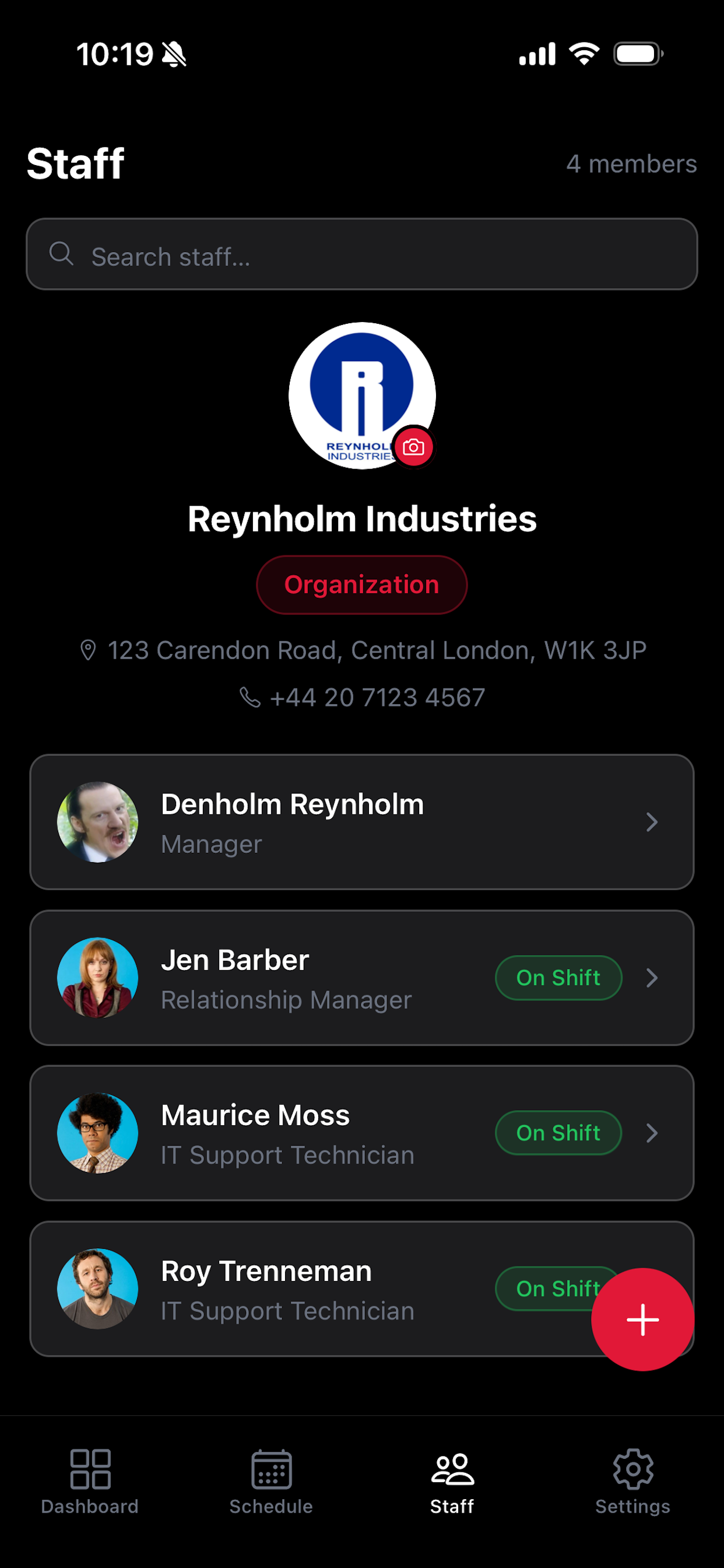
Add staff, assign roles, and view everyone's schedule at a glance. Employee profiles keep contact info and history in one place.
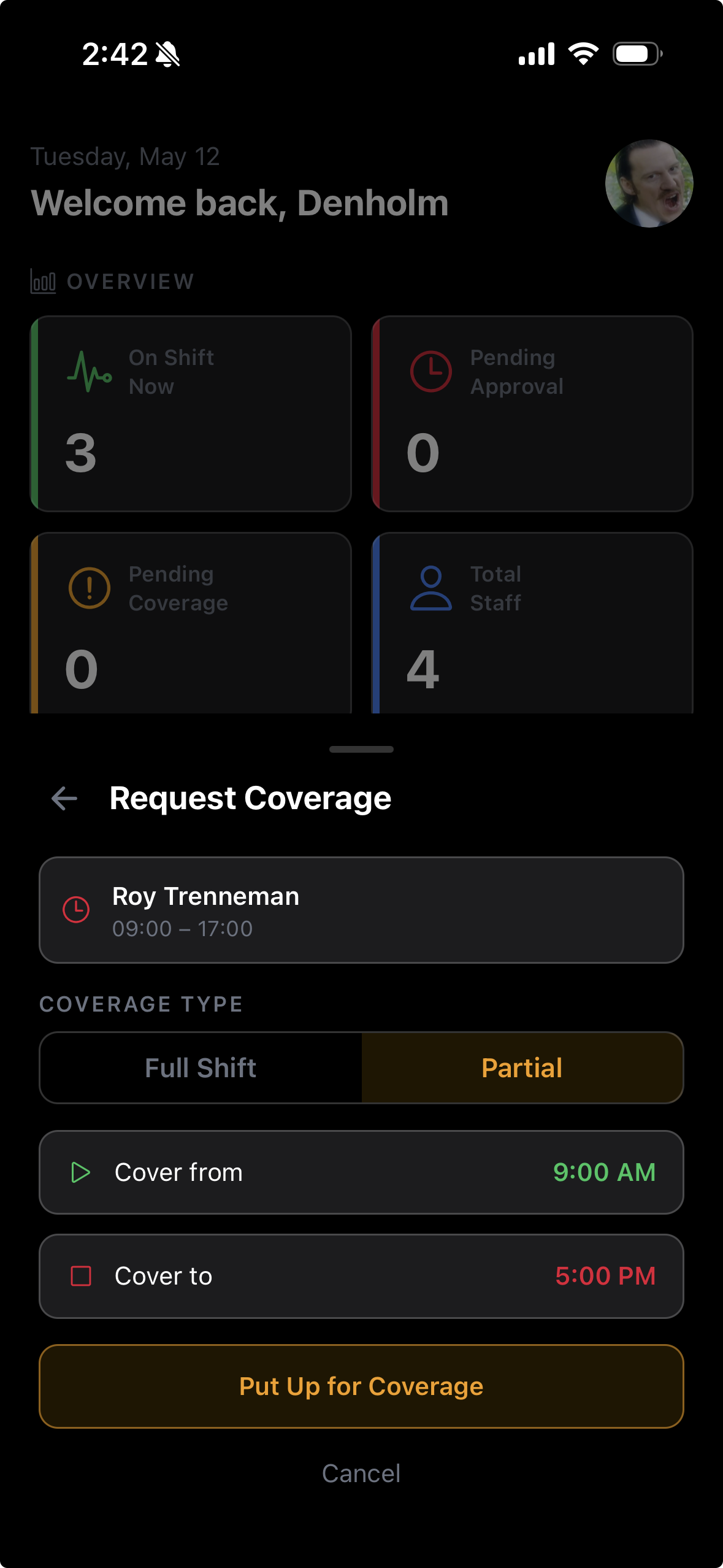
Employees can request coverage and managers approve with one tap. The schedule updates instantly and everyone is notified.
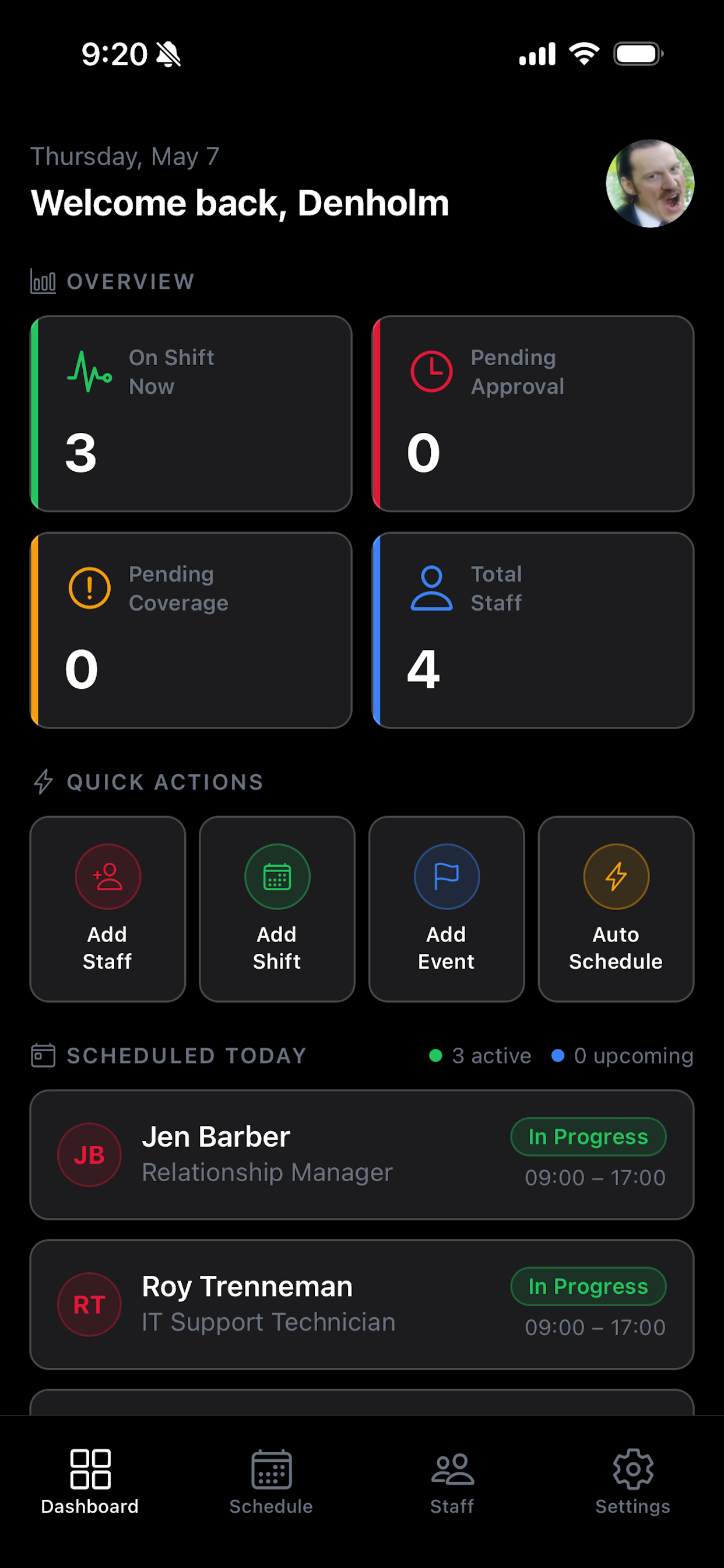
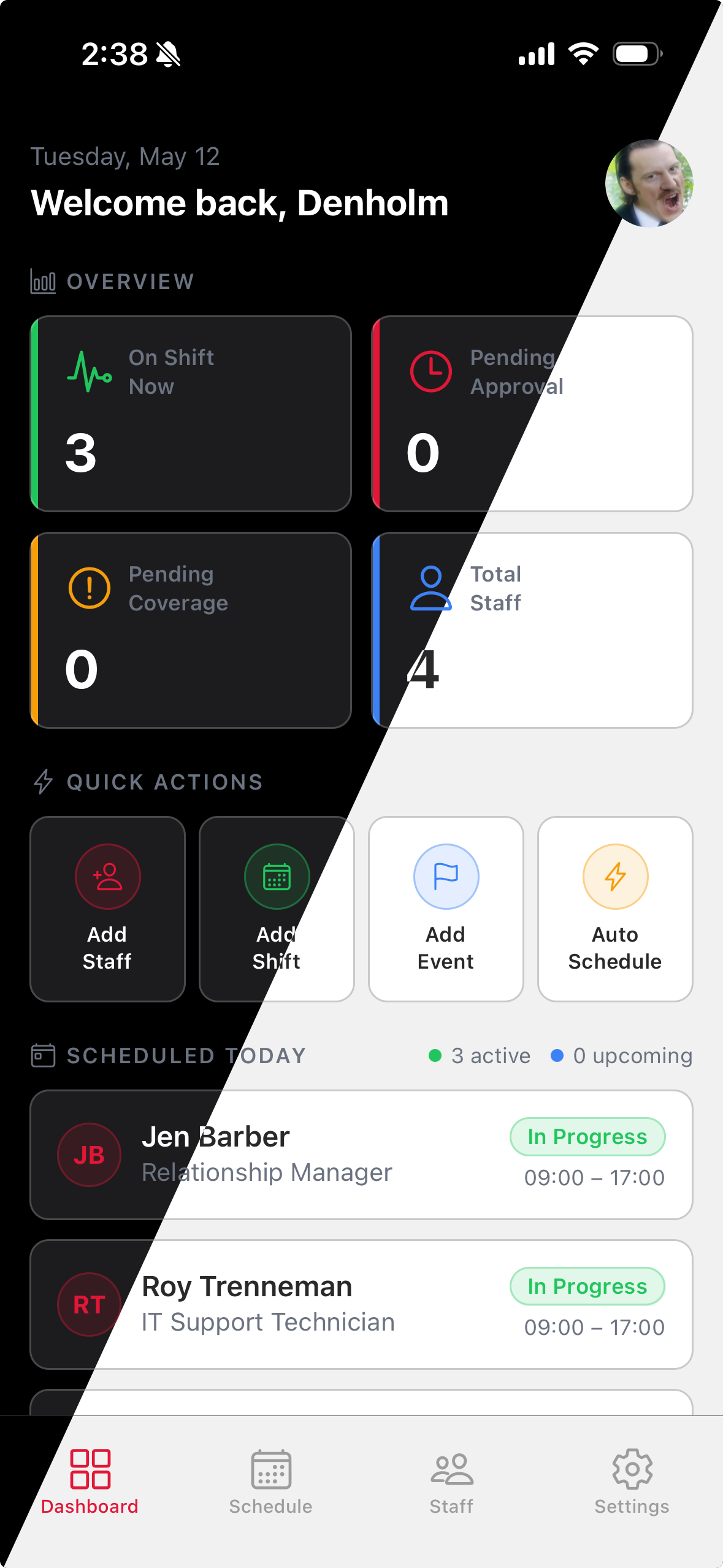
See who's on shift right now, who's scheduled today, and which shifts still need coverage — all on one screen.
Automatic alerts for new shifts, schedule changes, and coverage requests. Nobody misses an update.
Full dark mode support across the entire app — easy on the eyes during late-night schedule checks.
A clean, intuitive interface designed for busy managers and employees on the go.
TimeWise is designed to be simple from day one — no training required.
Sign up, name your business, and invite staff members. Each employee gets a personal account and sees only their own shifts.
Tap any day on the calendar to add a shift. Set the employee, role, start and end time, and optionally make it recurring. Done in seconds.
When an employee can't make a shift, they request coverage. You approve the replacement with one tap and the schedule updates for everyone instantly.
The live dashboard shows who's on shift right now, today's full schedule, and any shifts still needing coverage — all in one place.
Your manager sends you an invite code. Download TimeWise, tap "I'm an Employee," and enter your code to join your team. No complicated setup.
See all your upcoming shifts on the Schedule tab. Switch between calendar and list views, and enable notifications so you never miss a change.
Can't make a shift? Tap it and request coverage. Your manager gets notified and can approve a replacement — the schedule updates instantly for everyone.
Get push alerts for new shift assignments, schedule changes, and coverage confirmations. You'll always know exactly what's happening.
Start free, upgrade when you're ready. No contracts, cancel anytime.
| Free | Starter | Growth | Pro | |
|---|---|---|---|---|
| TEAM SIZE | ||||
| Staff members | Up to 5 | Up to 10 | Up to 20 | Unlimited |
| SCHEDULING | ||||
| Unlimited shifts | ✓ | ✓ | ✓ | ✓ |
| Schedule & dashboard | ✓ | ✓ | ✓ | ✓ |
| Recurring shifts & series | ✕ | ✓ | ✓ | ✓ |
| Shift coverage workflows | ✕ | ✓ | ✓ | ✓ |
| Auto-scheduling | ✕ | ✕ | ✕ | ✓ |
| TEAM FEATURES | ||||
| Events & calendar | ✕ | ✓ | ✓ | ✓ |
| Staff availability | ✕ | ✕ | ✓ | ✓ |
| Push notifications | ✓ | ✓ | ✓ | ✓ |
| SUPPORT | ||||
| Priority support | ✕ | ✕ | ✓ | ✓ |
| Download | Get Started | Get Started | Get Started | |
Join teams who've stopped fighting with spreadsheets and group chats.